TABtouch Races: Find Meetings, Fields, Scratchings and Results
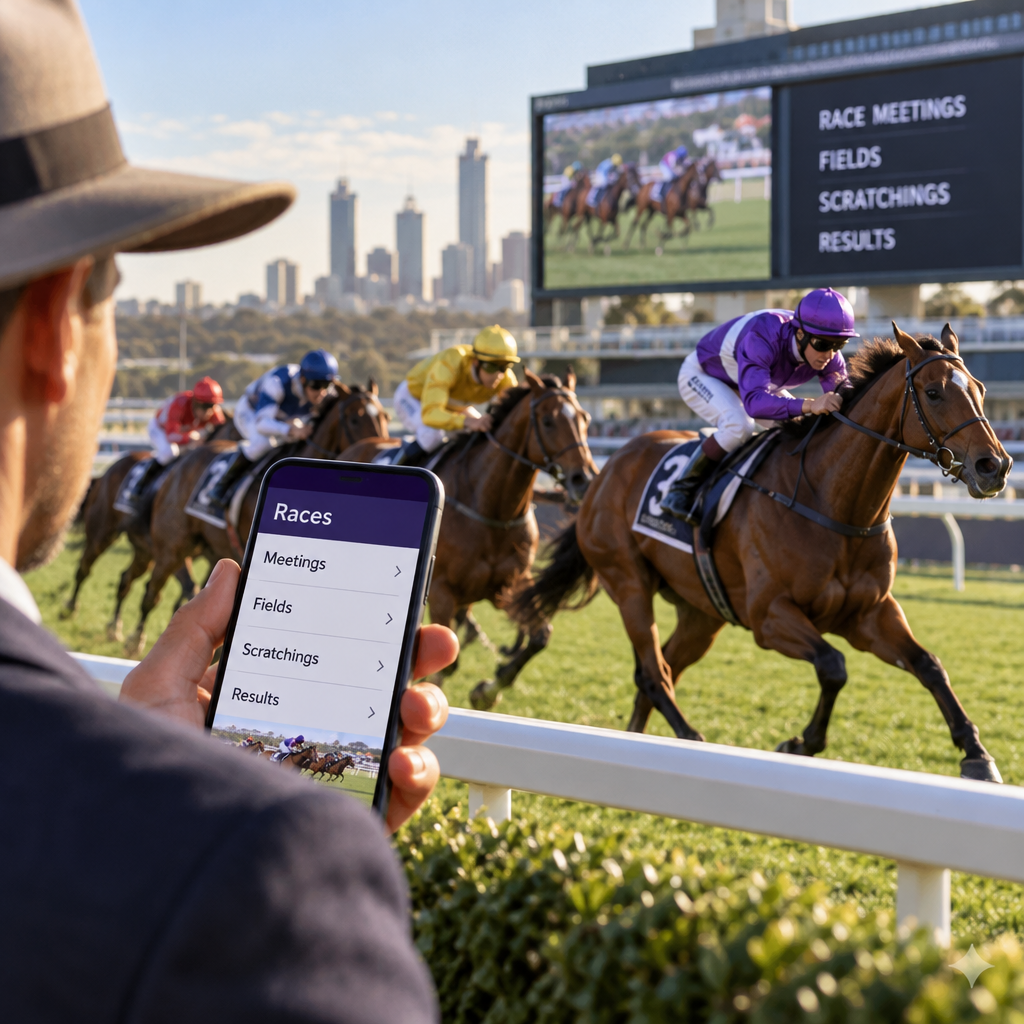
Looking for TABtouch races, a start time or a result? Open the official TABtouch racing schedule at https://www.tabtouch.com.au/racing/ and choose the meeting and race you want to check. This independent guide explains how to interpret the information you find, including fields, form, scratchings, odds and results. TABtouch is Racing and Wagering Western Australia’s wagering brand; it is separate from the Tabcorp TAB service. Race information and product rules can change, so check the current details on TABtouch before acting.
Finding races and meetings on TABtouch
The official schedule is the starting point for TABtouch races today and for other loaded meetings. It has listed thoroughbred, harness and greyhound racing, with Australian and overseas venues. The meetings and markets available will vary, so check the schedule rather than relying on a static fixture list.
A meeting is the collection of races held at a venue on a particular date. Each race has its own number, start time and field. The schedule can also show the race name, distance and status, helping you distinguish between events at the same venue.
To find a particular race, follow the schedule from the date and racing code to the meeting and then the race number. For example, if you are looking for a harness race, find the harness meeting and confirm the venue, race number and advertised start time before opening the race.
TABtouch’s older Race Hub guide describes code and calendar views, but navigation can differ between devices and may have changed. Look for the relevant options on the current site rather than relying on exact button names.
- Open the official schedule and choose a date and racing code where those options are offered.
- Find the venue in the meeting list and select the relevant race number.
- Check the date, advertised start time and race status before using the field or odds.
Check the start time and race status
A displayed start time is a useful guide, but meeting information can change. Confirm the date as well as the time, particularly when comparing races across Australia or following an overseas meeting.
The time-zone convention for the displayed schedule was not established in the available research. Check which time zone applies against official meeting information, especially when daylight saving differs between the venue and your location.
The schedule has shown statuses such as open, closed, results and abandoned. Use the status as a prompt to inspect the race page: an open race does not guarantee that every market is available, while a closed race should not be treated as an opportunity to place a new bet. If a race is abandoned, check the applicable product rules and your bet record rather than assuming how every wager will be treated.
Reading race fields, form and scratchings
TABtouch race fields list the runners entered for an individual race. Start by checking that you have the right meeting, race number and distance, then look at the runners and any changes to the field. Race pages may also provide information such as weather and track condition, although the detail available can differ by meeting.
TABtouch race form provides information about runners’ previous performances. It can help you understand their racing history, but past results do not predict a future finish. Compare the information available for the race rather than assuming that a runner with a good recent record will repeat it.
TABtouch’s Smart Form documentation describes tools for reviewing runner information across racing codes. The available form, ratings and presentation may differ by race and device. Some of the operator’s interface guides are older, so current controls may not match their descriptions.
- Confirm the meeting, race number and distance.
- Review the listed runners and available form.
- Check the track condition and any other race information provided.
- Look for scratchings and recheck the latest prices if you are considering a bet.
Why scratchings need a second check
A scratching is a runner withdrawn from a race. A runner listed in the morning may no longer be taking part later, so check TABtouch scratchings on the relevant racing hub or race page and revisit the field close to the advertised start.
A withdrawal can change the field and the odds available for remaining runners. It can also affect an existing wager, but the treatment depends on the product and market. Check TABtouch’s current rules and your individual bet record rather than assuming that all bets are handled alike.
Racing WA’s race-information service is another official source for fields and results within its coverage. It can help you check racing information, but TABtouch’s own terms govern the treatment of a TABtouch wager.
Understanding race odds and common bet types
You do not need to place a bet to use the schedule as a way of following racing. If you do choose to bet, first distinguish the result you need from the way the price is determined. Availability and rules can vary by race and product.
For a win bet, the selected runner must finish first. For a place bet, it must finish in a paying place. The number of paying places depends on the product and race conditions, so check the relevant market rather than assuming a set number.
Fixed odds are accepted at a stated price, subject to the applicable terms. For example, a scratching can lead to a deduction from a winning fixed-odds wager where the rules provide for one.
Tote, or pari-mutuel, betting pools wagers and determines the final dividend from the pool after applicable deductions or commission. An approximate tote dividend displayed before the race is not a locked fixed price; it can change before the final dividend is declared.
TABtouch also describes Starting Price, or SP, as a separate product based on the runner’s odds when betting closes. It is not simply another name for the tote. Check whether SP is offered for the race and channel you are using, along with its current eligibility and settlement terms.
For a simple comparison, an accepted fixed price is the starting point for a fixed-odds wager, subject to its terms. An indicative tote dividend, by contrast, is an estimate of a pool-based dividend that may change. Neither tells you that a runner is certain to win or place.
Review a bet before confirming
TABtouch’s race-page guidance describes selecting a runner’s odds and reviewing the selection on a bet slip. The exact flow and labels may differ on the current site or app. Before confirming an account bet, take time to check the details rather than relying only on the runner’s name.
After confirmation, check the confirmation and your bet or transaction record. If anything is unclear, refer to the applicable TABtouch rules or contact the operator. Do not assume that a bet can be changed or cancelled after confirmation.
- Meeting, date and race number.
- Runner and selection.
- Win or place, where available.
- Price type and displayed price.
- Stake and applicable market rules.
- Any confirmation or reference shown after the bet is placed.
Checking TABtouch race results
To find TABtouch race results, return to the relevant code, date and meeting, then open the individual race. TABtouch’s results guide describes race pages showing results and dividends. Its older guidance refers to labels such as Interim and Results, although the current wording may differ.
Check the displayed finishing order and dividends alongside the race status. A result appearing on the page is not necessarily proof that every individual wager has been finally settled. An interim result, in particular, should be treated as provisional.
If you placed a bet, also inspect your individual resulted-bet or transaction record. Settlement can depend on the product and its rules; there is no single settlement deadline established by the research for every wager. If the race result and your bet record seem inconsistent, check the relevant terms and ask TABtouch for clarification.
The public schedule has been indexed with some result statuses, but access to full results and dividends while signed out was not conclusively established. Check the current page on your device rather than assuming that every result is available without an account.
- Find the correct meeting and race.
- Check the result status, finishing order and available dividends.
- For a wager, check its own status in your bet or transaction record.
Account eligibility and safer gambling
TABtouch’s account terms prohibit account use by people under 18, people who have self-excluded and people registered with BetStop. The terms also restrict use by people primarily residing outside Australia unless a written exemption is granted. Age and identity verification are part of the account process.
Location and product restrictions can apply. The available information does not establish identical access in every Australian state and territory, or a general right to bet from overseas. Check current TABtouch terms and local law, and ask the operator if your circumstances are unclear.
If you decide to gamble, set a budget you can afford to lose and consider the deposit and per-bet limits described in TABtouch’s account terms. Following form or selecting a particular price type cannot guarantee a return.
For free, confidential support, contact Gambling Help Online on 1800 858 858. BetStop is Australia’s national self-exclusion service for licensed interactive wagering and can be contacted on 1800 238 786.
FAQ
How do I find TABtouch races today?
Open the official racing schedule and choose the relevant code and date where those options are offered. Find the meeting, then select the race number. Confirm the displayed date and check the applicable time zone against official meeting information.
Can I see TABtouch race results without an account?
The public schedule has shown some result statuses, but full access to results and dividends while signed out was not conclusively verified. Check the current race page while signed out on your device; access may differ from what an older help guide describes.
Where can I check TABtouch scratchings?
Check the relevant TABtouch racing hub or race page and revisit it close to the advertised start. Racing WA’s race-information service is an additional official source for meetings within its coverage. For the effect on a bet, use TABtouch’s applicable product rules.
What happens if my selection is scratched?
It depends on the wager and market. TABtouch’s guidance describes refunds for specified final-field wagers on scratched runners and says a scratched Starting Price selection is refunded. Deductions can also apply to some winning wagers on other runners. Check the current rules and your individual bet record; do not assume every product is treated the same way.
What is the difference between fixed odds and tote odds?
A fixed-odds bet is accepted at a stated price, subject to applicable terms such as deductions. Tote betting uses a pool, and the final dividend is determined after the applicable deductions or commission. An approximate tote dividend can change and is not a guaranteed fixed price.
Does an interim result mean my bet has been settled?
Not necessarily. An interim result indicates that result information is available, but it should not be treated as proof of final settlement for every wager. Check the race status and dividends, then look at the individual bet or transaction record.
Is TABtouch the same service as Tabcorp TAB?
No. TABtouch is Racing and Wagering Western Australia’s wagering brand, while Tabcorp TAB is a separate service. Similar names do not mean their account conditions, scratching rules or settlement policies are interchangeable.
Start with the official TABtouch racing schedule, select the meeting and race, and check the start time, field and scratchings. For a completed race, review the result and, if relevant, your individual bet record. Information and rules can change, so return to the official schedule for the latest details: https://www.tabtouch.com.au/racing/