Narrow One on Poki: How to Play and Basic Controls
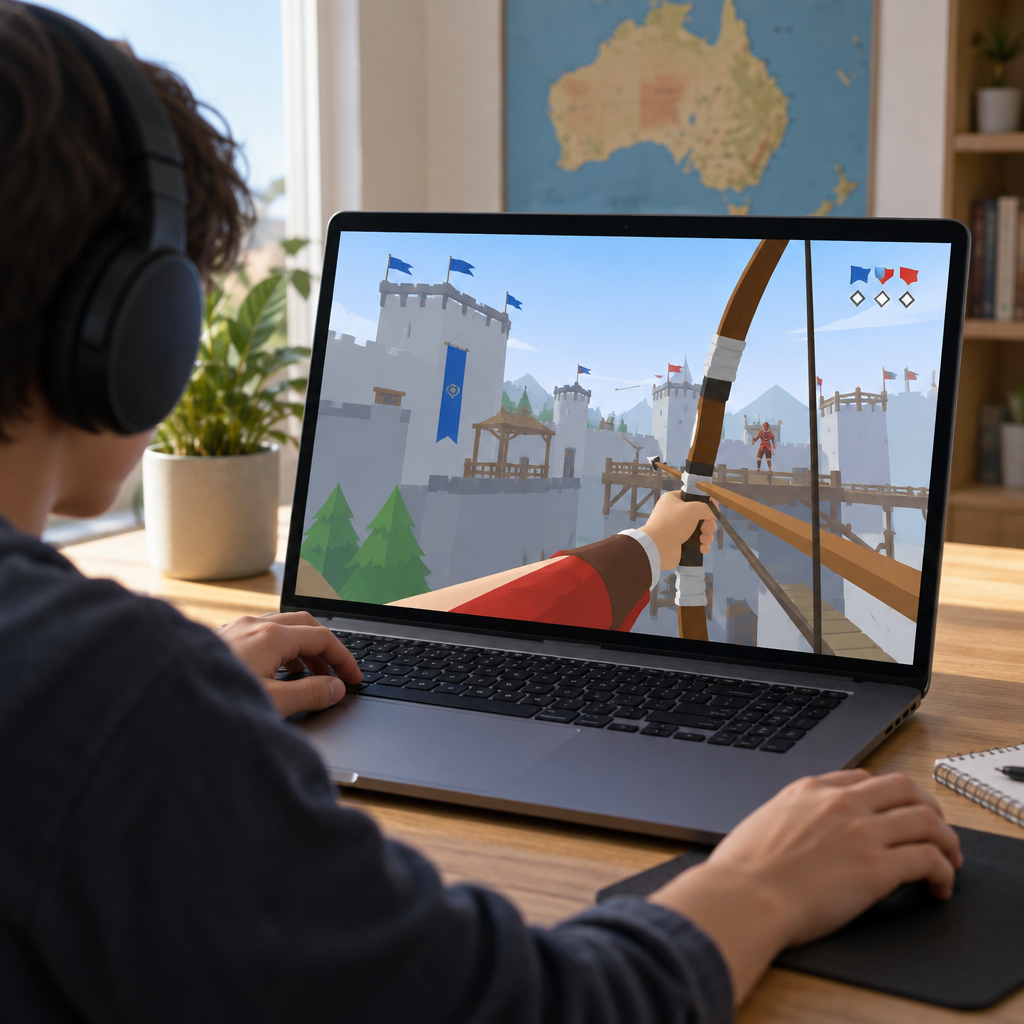
Looking for Poki Narrow One? Open the game at https://poki.com/en/g/narrow-one/. Narrow.One is a multiplayer bow shooter created by Pelican Party Studios and available through the Poki browser platform. This guide explains how to find the game, what your team is trying to do and which basic controls Poki lists. It is an editorial guide, not the game itself.
How to access Narrow One on Poki
The direct destination is https://poki.com/en/g/narrow-one/. You can also search for Narrow.One on Poki and check that the result is on the poki.com domain. A search result that mentions Poki in its title is not necessarily a page on Poki.
Poki says its games run in a browser without installation and require an internet connection. Once the game page opens, allow it to load and follow the instructions displayed on screen. Poki also lists basic controls beneath the game.
Poki lists desktop, phone and tablet support for Narrow.One. The Australian loading experience and individual devices were not tested for this guide, so availability and performance may vary.
- Open the direct Poki listing or search for Narrow.One on Poki.
- Let the game load in your browser and follow any on-screen instructions.
- Check the controls on the game page if you need a reminder.
How to play Narrow One
Narrow.One is an online, medieval-style team game centred on capturing a flag. Pelican Party describes the objective as working with teammates to defend your castle and steal the opposing team’s flag.
That gives you two related jobs. In defence, pay attention to the area around your team’s flag and help deal with opponents approaching it. In attack, move towards the opposing side with your team and look for an opportunity to reach its flag.
Your bow lets you shoot at opponents as you move around the map. The developer also describes melee weapons, different bows and multiple maps. Different routes and shortcuts can offer alternatives to taking the most direct path, although there is no single route you need to follow.
For a first match, focus on recognising which side you are helping to defend and where the opposing team’s flag is. The current Poki match settings, exact team size and number of captures needed to win were not verified for this guide.
Narrow One controls
Poki lists the following basic controls for desktop. The shooting input involves holding and releasing the mouse button, so give yourself a little time to get used to that action while moving.
For phones and tablets, Poki directs players to the on-screen touch indicator. The precise mobile layout was not tested, so use the guidance displayed on your device. Check the Poki listing for its latest control information.
- Desktop movement: use W, A, S and D.
- Desktop shooting: hold and release the left mouse button.
- Phone or tablet: follow the on-screen touch indicator.
Beginner tips for team play
The flag objective rewards paying attention to more than individual encounters. These suggestions are ways to get comfortable with the game, not guarantees of a win.
Start by practising movement and the bow input together. Once those actions feel more familiar, you can spend more attention on the routes around each team’s flag and the movement of other players.
- Help defend when opponents are approaching your flag rather than always pushing towards the other side.
- Look for teammates and consider moving together when heading into opposing territory.
- Explore different paths as you learn each map; the developer says maps can include shortcuts.
- If a route is heavily contested, consider trying another one instead of repeatedly taking the same approach.
If the game does not load
Begin with the least disruptive checks. Poki recommends checking your internet connection, leaving incognito or private browsing mode and refreshing the page. These are general platform suggestions, not a confirmed fix for every Narrow.One issue.
A school network may block gaming sites. If you are using one, check its rules or ask the network administrator rather than trying to bypass restrictions. Poki also suggests temporarily turning off an ad blocker as an optional troubleshooting check.
Clearing site data is a more disruptive last resort: Poki warns that doing so can reset locally stored progress across its games. If the ordinary checks do not help, use Poki’s game-report or contact options and describe the device, browser and problem.
What parents in Australia should check
Narrow.One involves online multiplayer combat with bows and other weapons. No Australian classification or Poki-specific age rating was verified for this guide, so parents and carers should assess the game themselves rather than relying on an assumed age recommendation.
Before a child plays, consider the game’s online features and review the relevant privacy information. Poki explains how it uses data for purposes including site operation, progress and advertising; the game listing also links to the developer’s privacy policy. Features and settings can change, so check what is currently shown on the game page.
FAQ
Is Narrow One free to play on Poki?
Yes. Poki says its games are free to play and that advertising supports the service. Free access does not mean an ad-free experience; current game-specific purchases, rewarded ads and ad timing were not verified.
Can I play Narrow One on a phone or tablet?
Poki lists both phones and tablets as supported device categories and tells mobile players to follow the on-screen touch indicator. Individual devices and browser versions were not tested for this guide, so compatibility and performance may vary.
Can I play Narrow One with friends?
Poki says players can invite friends, and Pelican Party lists a squad mode for the game. Check the current in-game options for how to join up: the invitation steps, squad limits and cross-platform lobby behaviour were not verified.
Do I need a download or an account?
Poki says its games run in a browser without installation and are available without registration, although an internet connection is required. Poki says an optional account can support progress across devices; without one, progress is stored locally in the browser. That does not guarantee every Narrow.One item or setting will sync.
Will clearing browser data affect my progress?
It can. Poki warns that clearing site data can reset locally stored progress across its games, so try less disruptive loading checks first. If you use an optional Poki account, check its current progress information rather than assuming every game setting is backed up.
Is Narrow One suitable for children in Australia?
That is a decision for parents and carers: the game includes online multiplayer combat, and no Australian classification or Poki-specific age rating was verified. Review the current online features and privacy information before deciding whether it is appropriate for your child.
Is there another way to play in a browser?
Pelican Party directs players to https://narrow.one/, a separate browser destination from Poki. That site says JavaScript must be enabled. Shared progress or lobbies between the two destinations were not verified.
Start at the Poki listing, let the game load and follow its on-screen guidance. On desktop, practise moving with W, A, S and D and holding and releasing the left mouse button to shoot. Then look for ways to help your team protect its flag and pursue the opposing flag.