PointsBet App Australia: Download, Login and Withdrawal Guide
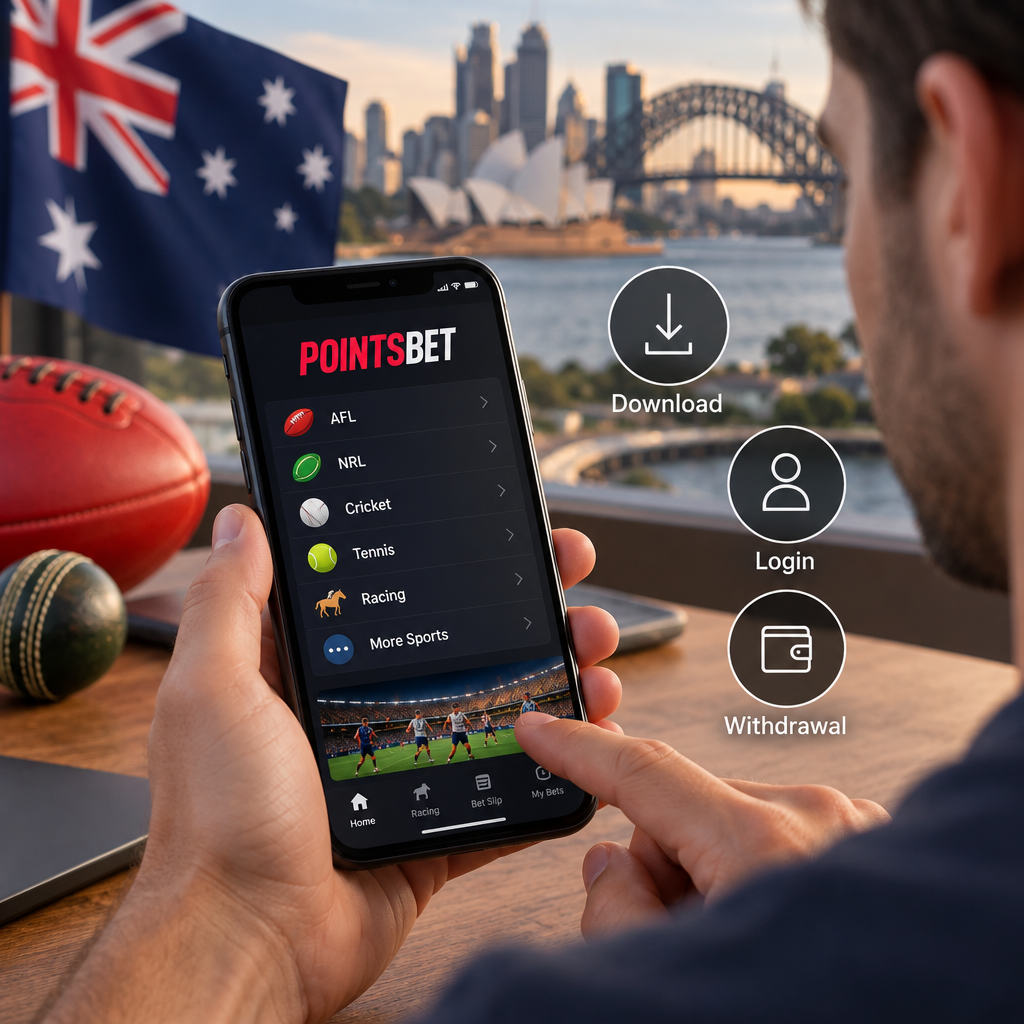
The PointsBet app is available in Australia under the PointsBet name, subject to account eligibility, device compatibility and store-region settings. Australian-facing Apple App Store and Google Play listings were accessible on 5 November 2026, and the Australian Communications and Media Authority (ACMA) lists PointsBet Australia Pty Ltd as a licensed wagering provider. This guide explains how to find the official app, access an existing account and understand important conditions before depositing, betting or withdrawing. It is based on store listings, operator documents and regulatory sources; the app was not independently tested on a device.
How to find the official PointsBet app
For a PointsBet app download, start with the Australian operator’s website or the Australian store listings in the sources below. Check the listing before installing: similarly named products or overseas services may not be the Australian wagering app.
Store titles, developer details and compatibility requirements can change. A listing in a store does not mean that every person is eligible to open an account.
Downloading on iPhone, iPad or Android
The Australian Apple listing is called PointsBet - Online Betting and names PointsBet Australia Pty Ltd as its developer and seller. At the research date, it listed iOS 15.1 or later for iPhone and iPadOS 15.1 or later for iPad, with an 18+ classification.
To install on an iPhone or iPad, open the Australian App Store, find the listing and check the developer name. Review the current compatibility information, install the app and open it.
For Android, PointsBet’s Australian help centre directs customers to Google Play. The Australian-facing listing is titled PointsBet, displays PointsBet Sports and uses the package ID com.pointsbet.app. Follow the link from the Australian operator, check the listing and your device’s compatibility, then install through Google Play.
The Google Play page’s developer details name PointsBet Canada Operations 1 Inc. That does not, by itself, explain the corporate arrangement; the safer check is to follow PointsBet Australia’s official download route and compare the listing and package ID. An Android minimum version was not verified, so check the requirements shown for your device. Avoid relying on an unofficial APK mirror.
Creating an account or signing in
PointsBet’s age guidance says customers must be 18 or older, and its terms restrict accounts to Australian residents. Its terms use the wording “over 18”, however, so someone for whom that distinction matters should ask the operator to clarify eligibility. Residency requirements also do not establish that betting is permitted from every location.
For a new account, PointsBet’s guide describes entering personal and contact details, verifying a mobile number by SMS, creating a password and accepting the terms. The operator also requires identity verification, including details such as name, residential address and date of birth. If an automatic check fails, it may request identity-document details.
Existing customers can start with the PointsBet app login rather than registering again. PointsBet says the login button is at the top right of the app. Its account help covers password and username recovery, one-time passcodes and suspended accounts.
If you cannot sign in, use the official recovery options or contact support instead of opening a duplicate account. An exclusion, security check, suspension or outstanding verification may affect access. PointsBet also says the app will not work with a VPN; check your connection, app updates and location settings rather than trying to bypass a restriction.
Markets, bets and app features
The Australian Google Play description advertises sports and racing markets, same-game and same-race multis, and a tracker for selected leagues. These are features described by PointsBet, not the result of an independent device test. Availability may depend on the event, market and account.
A market is the outcome, or set of outcomes, offered for betting. Your stake is the amount you risk. A multi combines selections; a same-game or same-race multi combines eligible selections within one event.
Before confirming a bet, review the event, market, selection, odds and stake. A displayed potential return is not a likely or guaranteed result. PointsBet’s terms say accepted bets generally cannot be changed or cancelled, subject to its discretion in error cases. Cash Out is also discretionary and is not available for every bet.
How in-play sports betting works
In-play betting means betting after an event has started. Although the store description refers broadly to live betting, that should not be read as confirmation that an Australian customer can submit an in-play sports bet digitally through the app.
ACMA says online in-play sports betting is prohibited subject to limited exceptions. For a qualifying phone bet, the relevant betting information and confirmation must be conveyed by phone. PointsBet says an in-play selection in its app can start a call, after which the customer gives the bet and stake and confirms them verbally.
In short, the app can help initiate the call; the sports bet is then placed by phone. ACMA distinguishes horse and greyhound racing from the online in-play sports prohibition, but that distinction does not establish that every racing market is available in the app.
Deposit methods and timing
PointsBet’s deposit help documents debit card, PayID, PayTo, Apple Pay and Google Pay. The options available to an individual customer may vary by device or account. Check the method and its current conditions before transferring money.
The following timings are PointsBet’s estimates, not guarantees. A bank check or an unsuccessful authorisation can affect when funds arrive.
- PayID: PointsBet says repeat deposits usually arrive within one to five minutes, but a bank may hold a first deposit for up to 24 hours for a security check.
- PayTo: You must approve a payment agreement in your banking app. PointsBet says funds should be available within one minute after a successful transaction.
Bank withdrawals, conditions and transaction records
For a PointsBet app withdrawal to a bank account, the operator’s guide describes the following route. The $5 minimum applies to this documented bank withdrawal process, not necessarily to every possible payment route.
A submitted request may show as Pending. PointsBet says funds reach the bank account within 30 minutes in most cases, but this is not a guaranteed processing time. Verification and other checks can take longer.
Before withdrawing, read the terms as well as the help guide. PointsBet generally requires a deposit to be turned over once before withdrawal: in practical terms, the deposited amount must generally be wagered once. The terms allow the operator to waive this requirement in specified circumstances or at its discretion. Contact support if you need to understand how the rule applies to your balance.
Identity, account ownership or bank checks can delay or restrict a withdrawal. The terms also reserve a right, in some circumstances, to return up to the deposited amount to a debit card used for the deposit.
PointsBet’s terms say it does not charge debit-card deposit or withdrawal fees, but also allow transaction-processing fees to be passed on in certain circumstances if it determines deposits were made for purposes other than betting. This is not a blanket assurance that every payment method is fee-free.
For a record of account activity, PointsBet says to open Profile, select My Account, then Activity Statements. Choose a year and download the relevant monthly statement.
- Open Profile and select Withdraw.
- Enter the bank account-holder name, BSB and account number.
- Enter an amount of at least $5 and submit the request.
- For a first withdrawal to new bank details, complete the requested SMS or email verification.
Licensing, regulatory history and complaints
ACMA’s register identifies PointsBet Australia Pty Ltd as the licence holder and the Northern Territory Racing and Wagering Commission as its licensing authority. Check the register for current details. A licence does not make gambling risk-free or establish that an operator has never breached its obligations.
In May 2025, ACMA reported that PointsBet paid a $500,800 spam penalty and was subject to enforceable undertakings following breaches of e-marketing and self-exclusion laws. ACMA said the BetStop breaches included delayed account closures and marketing to people who had self-excluded. The regulator described the penalty as a spam penalty, not solely as a penalty for BetStop breaches.
For a complaint about a licensed provider, ACMA directs consumers to the relevant licensing authority. ACMA also handles matters within its remit, including certain online gambling and BetStop breaches. Keep relevant correspondence and account records when raising an issue.
Deposit limits, self-exclusion and support
A deposit limit caps how much you can deposit over a selected period; it does not guarantee protection from gambling harm. PointsBet describes rolling limits of one, seven, 14 or 30 days. It says reductions take effect immediately, while increases or removals have a seven-day cooling-off period.
PointsBet offers its own self-exclusion options. Its published pages differ on the durations of some operator-specific options, so ask support for the current terms rather than assuming a particular period. PointsBet says self-excluded customers can contact support about withdrawing winnings.
BetStop is a separate, free national self-exclusion service covering all Australian-licensed online and phone wagering providers. Registration can last from three months to a lifetime, but it does not cover every form of gambling. Do not open another account to get around an exclusion.
- PointsBet support: use live chat, email [email protected] or call 13 72 38 for account or withdrawal questions.
- BetStop: visit betstop.gov.au or call 1800 238 786 for national self-exclusion information.
- Gambling Help Online: visit gamblinghelponline.org.au or call 1800 858 858 for gambling support.
FAQ
Is the PointsBet app still available in Australia?
Yes. Australian-facing Apple and Google Play listings were accessible on 5 November 2026, and ACMA listed PointsBet Australia Pty Ltd as a licensed provider. Store visibility, device compatibility and individual eligibility can vary.
Can I get the app on iPhone and Android?
Yes, subject to your device and store-region settings. At the research date, Apple listed iOS 15.1 or later and iPadOS 15.1 or later; check Google Play for the current requirements on your Android device.
Why does the Android listing mention Canada?
The Australian-facing Google Play listing displays PointsBet Sports, while its developer details name PointsBet Canada Operations 1 Inc. PointsBet’s Australian help page directs users to Google Play; follow that official route and check the package ID, com.pointsbet.app. The listing alone does not explain the corporate arrangement.
Can I use an existing PointsBet account?
Try your existing credentials or use PointsBet’s official account-recovery options. If access is restricted or verification is required, contact support rather than creating another account. Access depends on your individual account status.
How do I withdraw money from the app?
PointsBet’s bank withdrawal guide says to select Profile, then Withdraw, and enter your bank details and an amount of at least $5. New bank details require a verification code. Deposits generally need to be turned over once before withdrawal, subject to possible waivers, and checks can delay or restrict a request.
Can I place live sports bets through the app?
PointsBet says an in-play sports selection can initiate a call, but the customer gives and confirms the bet and stake by phone. Do not assume that a live sports bet can be submitted digitally through the app. Racing is treated differently under the rules described by ACMA.
Can I access funds after self-exclusion?
PointsBet says self-excluded customers can contact its support team about withdrawing winnings. Ask support about your individual balance and any checks that apply; immediate access is not guaranteed.
For installation, use the official Australian store listings and check current device requirements. Existing customers can use account recovery or contact PointsBet if access is restricted. Before moving money, review the withdrawal and turnover terms; for gambling-control needs, consider the available deposit limits, operator self-exclusion and BetStop.