IO Poki Games: How to Find and Choose a Browser Game
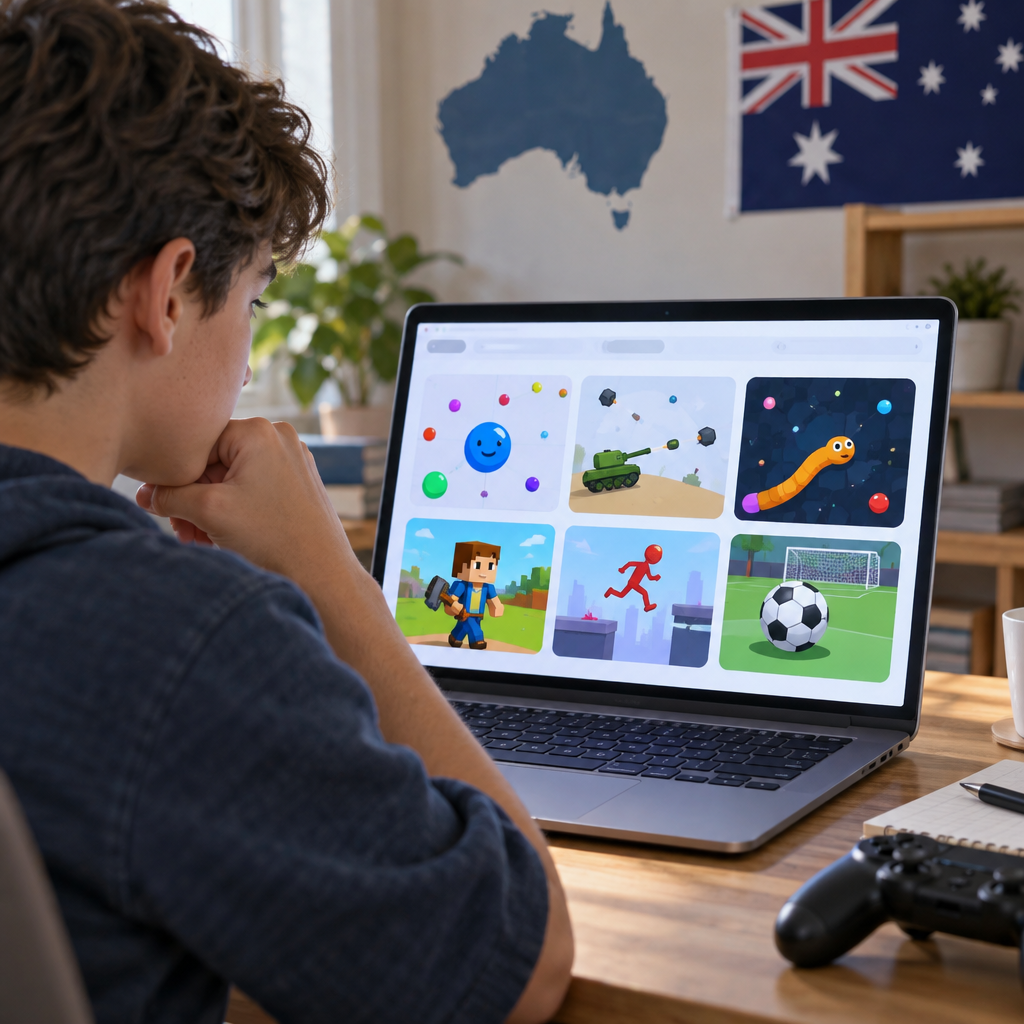
Looking for io Poki games? Start with Poki’s .io collection at https://poki.com/en/io, where you can browse games and open their individual pages. A collecting game such as Ducklings.io offers a different experience from the kart combat in Smash Karts, so it helps to compare the objective, controls and supported devices before starting. This guide also covers accounts, troubleshooting and family considerations. Listings and features can change, and the games have not been independently tested on an Australian connection.
How to find and choose .io games on Poki
Poki’s category page is the most direct starting point. Select a game that interests you, then check its own page rather than assuming every title works in the same way. The layout may change, but Poki currently lists descriptions, controls and supported devices on individual game pages.
Once you know the objective, consider how you want to play. Multiplayer browser games are a broader category than .io games: some involve teams or friends, while others centre on competing against rivals. A leaderboard or an opposing character alone does not establish that every rival is a person.
If you are choosing for a phone, check the device listing as well as the controls. A page may list mobile support without explaining every touch gesture. On a phone or tablet, you may need to scroll below the game window to find the information.
- Open https://poki.com/en/io and browse the listed games.
- Select a title and read its description to understand the objective and content.
- Check Controls and Supported devices on the game page.
- Follow the instructions in the game window. Starting screens differ between titles, and an internet connection is needed for Poki’s browser games.
- If playing with friends matters, look for an explicit multiplayer or private-room description rather than relying on the game’s name.
Five Poki io games to compare
These examples are a selection, not a ranking. They cover collecting, growth and combat, with different device listings. The details below reflect Poki’s game-page descriptions; live sessions, performance and Australian access were not independently tested.
Smash Karts, Tanko.io and Narrow.One are described as multiplayer. Sushi Party and Ducklings.io describe rivals, but the mix of human and computer-controlled opponents has not been independently verified. All five list desktop support; Tanko.io is the only one of the five listed as desktop only.
- Smash Karts: kart combat; multiplayer and private matches described; desktop, phone and tablet listed.
- Tanko.io: team tank battles; multiplayer described; desktop only listed.
- Narrow.One: team archery battles; multiplayer described; desktop, phone and tablet listed.
- Sushi Party: grow by eating sushi and avoiding rivals; human and bot mix unverified; desktop, phone and tablet listed.
- Ducklings.io: collect ducklings and avoid hazards; rival player mode unverified; desktop, phone and tablet listed.
Smash Karts: kart arena combat
In Smash Karts, you drive a kart, collect weapons and battle other players for points. Poki describes it as a multiplayer game and says private matches can be configured. Its multiplayer information also describes sharing a room code, making this a title to investigate if you want to arrange a game with friends.
On desktop, the listed controls are WASD or the arrow keys to drive and the space bar to use a weapon. The mobile version is described with on-screen driving and item controls. Poki lists desktop, phone and tablet support.
The presentation is cartoon-like, but weapons and explosions are part of the game. Private rooms were not tested for this guide, so check the current game for the available options and any joining requirements before organising a group.
Tanko.io: team tank battles
Tanko.io is a choice for someone who prefers a team objective to collecting or growing. Poki describes squads of five defending their own side while attacking the opposing base. Shooting is central to the game, so it is worth reviewing the content before a child plays.
The listed desktop controls use WASD or arrow keys to move and a mouse click to shoot. Poki lists this title for desktop only, making it a less suitable starting point if you are browsing on a phone. Although the page describes multiplayer teams, a private room or friend-invite feature has not been verified.
Narrow.One: team battles with bows
Narrow.One offers a different style of combat: Poki describes multiplayer team battles with bows on medieval-inspired maps. Its page says friends can play together, although the precise way to join a friend was not independently checked.
On desktop, WASD moves the character and holding and releasing the mouse button shoots. Poki also describes an on-screen touch indicator for mobile and lists desktop, phone and tablet support. Bow-based play is distinct from tank or kart combat, but it is still combat; families should assess it on that basis.
Sushi Party: grow and avoid collisions
Sushi Party is a snake-style game in which you eat sushi to grow while avoiding collisions with rivals. It may appeal if you prefer a straightforward growth objective to controlling a vehicle or aiming a weapon. Competition and collisions remain part of the experience.
Poki lists mouse movement and clicking to speed up, along with support for desktop, phone and tablet. The checked description did not detail touch controls, so mobile players should check the current instructions in the game. The page refers to other players, but the proportion of human and computer-controlled rivals has not been independently confirmed.
Ducklings.io: collect ducklings and avoid boats
Ducklings.io centres on collecting ducklings and returning them to a nest while avoiding boats and rival ducks. It is less focused on weapons than the combat examples, making it a useful option for an adult and child to review together. That difference alone does not establish an age recommendation.
Poki lists mouse-cursor movement and support for desktop, phone and tablet. The checked material did not explain the touch controls, so look for instructions in the current game window. Rival ducks are described, but their presence does not establish that every opponent is human.
What does .io mean in a game name?
Technically, .io is a country-code top-level internet domain associated with the British Indian Ocean Territory. In gaming, the term is also used more loosely for a style of browser game often associated with simple controls, arenas, survival, growth or competition.
The label is not a guaranteed player mode. An .io-style game does not need .io in its title, and a game with that label does not automatically have human opponents in every position. Poki describes its .io collection as browser-based multiplayer, but individual game descriptions are a better starting point for checking a particular title.
Accounts, browser play and saved progress
Poki describes its website games as free to play in a browser, supported by advertising and requiring an internet connection. Poki also offers an Android app, but you do not need to install it to use the website route.
According to Poki, creating a Poki account is optional. Without one, progress can be stored in browser cookies, which are site data kept on your device. Private browsing or cookie blockers can interfere with that storage, and clearing cookies can reset locally stored progress.
Poki says an account can save progress online. However, individual games may offer separate account or progress features, and the available evidence does not establish that every game synchronises every setting. Before clearing browser data to fix a problem, consider whether you have progress you want to keep.
What to do if a game does not load
Start with checks that do not risk deleting saved progress. A game may fail to load for different reasons, and device support on a listing is not a guarantee of performance on every browser or connection.
If you are using a school network, site restrictions may also be relevant. Ask the network administrator about its rules rather than assuming the game itself is unavailable.
- Check your internet connection and confirm that the game page lists your device as supported.
- Try a normal browser window if you are using private or incognito mode, then refresh the page.
- Poki suggests turning off an ad blocker as a diagnostic step. Consider the privacy trade-off before changing that setting; an ad blocker does not always prevent a game from working.
- If the problem persists, use the flag button on a computer or contact [email protected]. Include the game name, browser and device, and add a screenshot if useful.
- Avoid clearing cookies as a first step because locally saved game progress may be lost.
Safety and suitability for Australian families
A game’s appearance or category is not enough to establish whether it suits a particular child. No Australian Classification rating or title-specific minimum age was verified for the five games in this guide. Where clear age guidance is absent, an adult can read the description and try a short session with the child.
Australia’s eSafety Commissioner recommends discussing online gaming as a family, including personal information, play time and spending expectations. Apply that advice to the actual game: check its content, any communication features and what happens when the player encounters others.
Poki says most games on its platform do not have chat, but that general statement does not verify the communication features of these five titles. Inspect the current game rather than assuming that chat is either present or absent.
Privacy is also worth checking before play. Poki’s privacy statement describes collecting information such as device, browser and location data and using cookies. Developer and advertiser cookies have separate policies, so review the relevant developer privacy link on the game page as well as Poki’s statement.
Poki describes its separate Poki Kids site as an ad-free option for younger players. Its catalogue was not matched against the five titles above, and ad-free does not mean that no data is collected.
- Compare the visible content: for example, Smash Karts includes weapons and explosions, while Ducklings.io focuses on collecting and avoiding hazards.
- Check whether the game offers communication or interaction features, and discuss what personal information should stay private.
- Review the platform and game-developer privacy information, as well as any advertising the child may encounter.
- Agree on play-time and spending expectations, and revisit them as the child’s interests and the game’s features change.
- Play together first, especially when reliable age guidance is unavailable.
FAQ
Are Poki io games multiplayer?
Poki expressly describes Smash Karts, Tanko.io and Narrow.One as multiplayer. The .io label alone does not prove that every opponent in a game is human, however. Sushi Party describes other players, but its human and bot mix was not independently verified. Check each game’s current description for its stated mode.
Can I play these games on a phone or tablet?
Poki lists phone and tablet support for Smash Karts, Narrow.One, Sushi Party and Ducklings.io. Tanko.io is listed for desktop only. Check Supported devices on the current game page and look for touch instructions in the game. The listings were not independently tested for performance on Australian devices.
Do I need an account or download?
Poki says a Poki account is optional, and its website games run in a browser without requiring the Android app. Individual games may offer their own account or progress features. Without a Poki account, locally saved progress can depend on browser cookies, which may be affected by private browsing or clearing site data.
Are these games available in Australia?
The category and game pages were accessible to the research tool, but they were not tested through an Australian connection or in live game sessions. Availability, matchmaking and any title-specific restrictions in Australia therefore remain unconfirmed. Check the current listing and whether your chosen game starts on your own device and connection.
How do I find a game suitable for children?
Read the description and privacy information, inspect any communication features, and try the game together before deciding. Consider the child’s needs and your family’s preferences around combat, advertising and play time. No Australian age rating was verified for the selected titles. Poki Kids is a separate ad-free option, but it may not have the same catalogue.
Can friends play together in a private match?
Poki describes configurable private matches for Smash Karts and refers to sharing a room code on its multiplayer page. That feature was not independently tested, so check the current game for joining options and requirements. Do not assume the other games in this guide offer private rooms.
Start with Poki’s .io category, choose an objective that appeals to you, and check the individual page for current controls, player-mode information and device support. Families can also review the content and privacy information together. Listings and features may change, and Australian access should be checked on your own connection.